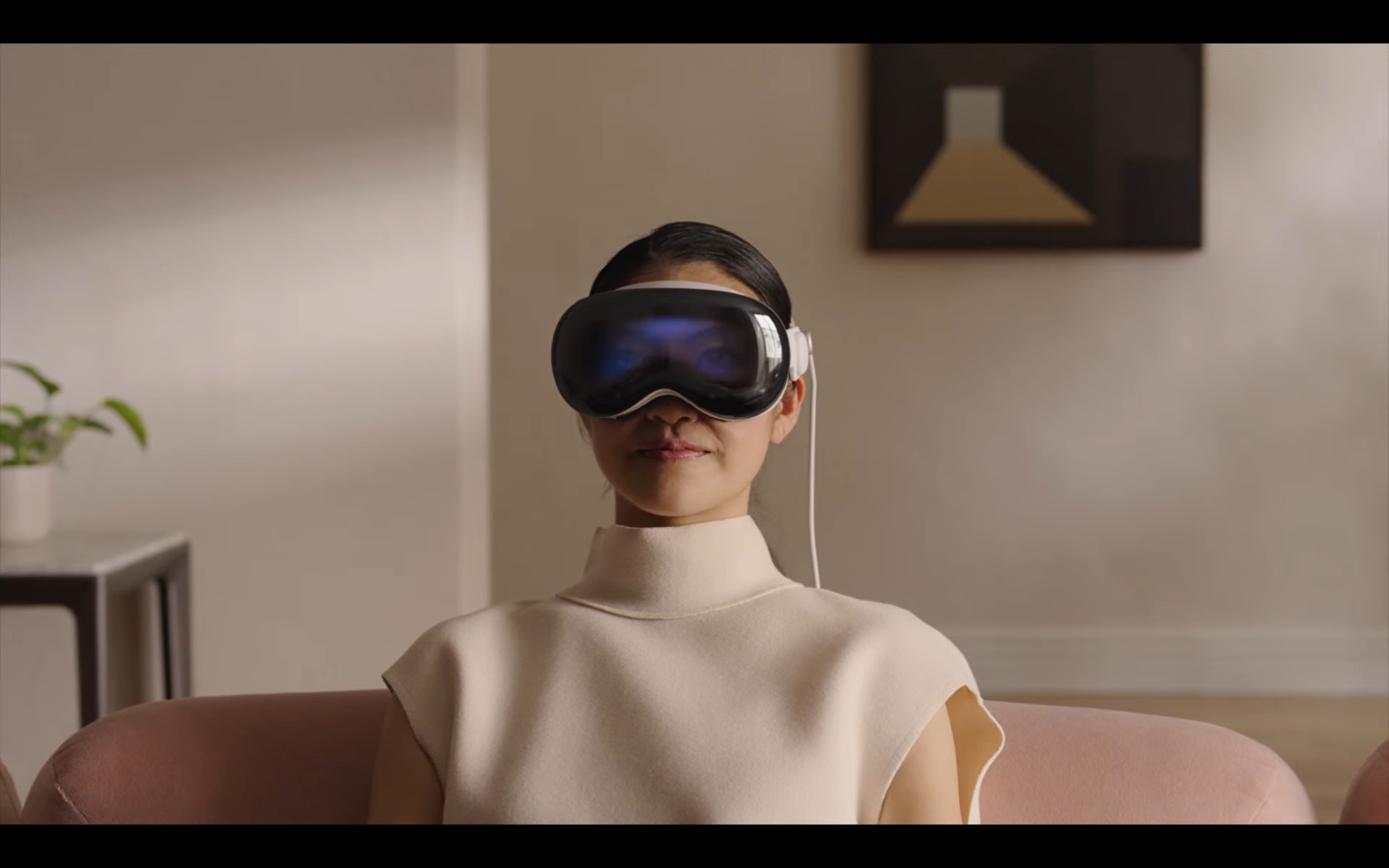
Are you keen to try out the Apple Vision Pro before committing to splurging on it? Or perhaps you’re concerned about how it will fit or have specific questions about how to use it? Apple has you covered.
You can now book a personal one-on-one demo of the Apple Vision Pro at Apple Stores around the UK, allowing you to explore the range of capabilities and get the best fit.
Read on to learn how to book an Apple Vision Pro demo through the Apple website.
What you’ll need:
- Access to the Apple website
- Your Apple ID
The short version:
- Select Book a demo on the Apple Vision Pro webpage
- Log in with your Apple ID
- Select the best Apple Store for you
- Choose your desired date and time
- Fill out your details
- Reserve your demo spot

-
Step 1.
Select Book a demo on the Apple Vision Pro webpage

Visit www.apple.com/uk/apple-vision-pro/ and click on Book a demo.
-
Step 2.
Log in with your Apple ID
Enter your Apple ID email and password here.
-
Step 3.
Select the best Apple Store for you
Clicking on Your location (as shown here) will allow you to either use your location to find the closest store or it will bring up a list of all the Apple Store locations across the UK for you to choose from.
-
Step 4.
Choose your desired date and time
Once you’ve chosen the best location, you can look through the various dates and times for your appointment to find one that suits your schedule. Then select Continue. Keep in mind that each appointment should last around 30 minutes.
-
Step 5.
Fill out your details
Fill out your details then be sure to scroll down and read through the information on the page, which includes medical and vision conditions that may restrict you from using the Apple Vision Pro.
-
Step 6.
Reserve your demo spot
Once all the information above has been entered, scroll down to the bottom where you’ll see a summary of your appointment, including the address of the Apple Store and the time and date of the demo. If everything looks good, select Reserve it.


Troubleshooting
Yes, you need an Apple ID in order to book a demo. If you don’t have one then you can create an Apple ID on the log-in page.
You won’t have to buy a Vision Pro during your demo but your Specialist will be on hand to help you purchase one if that’s what you want. It’s also worth noting that booking a demo does not automatically reserve a Vision Pro.